 Postry
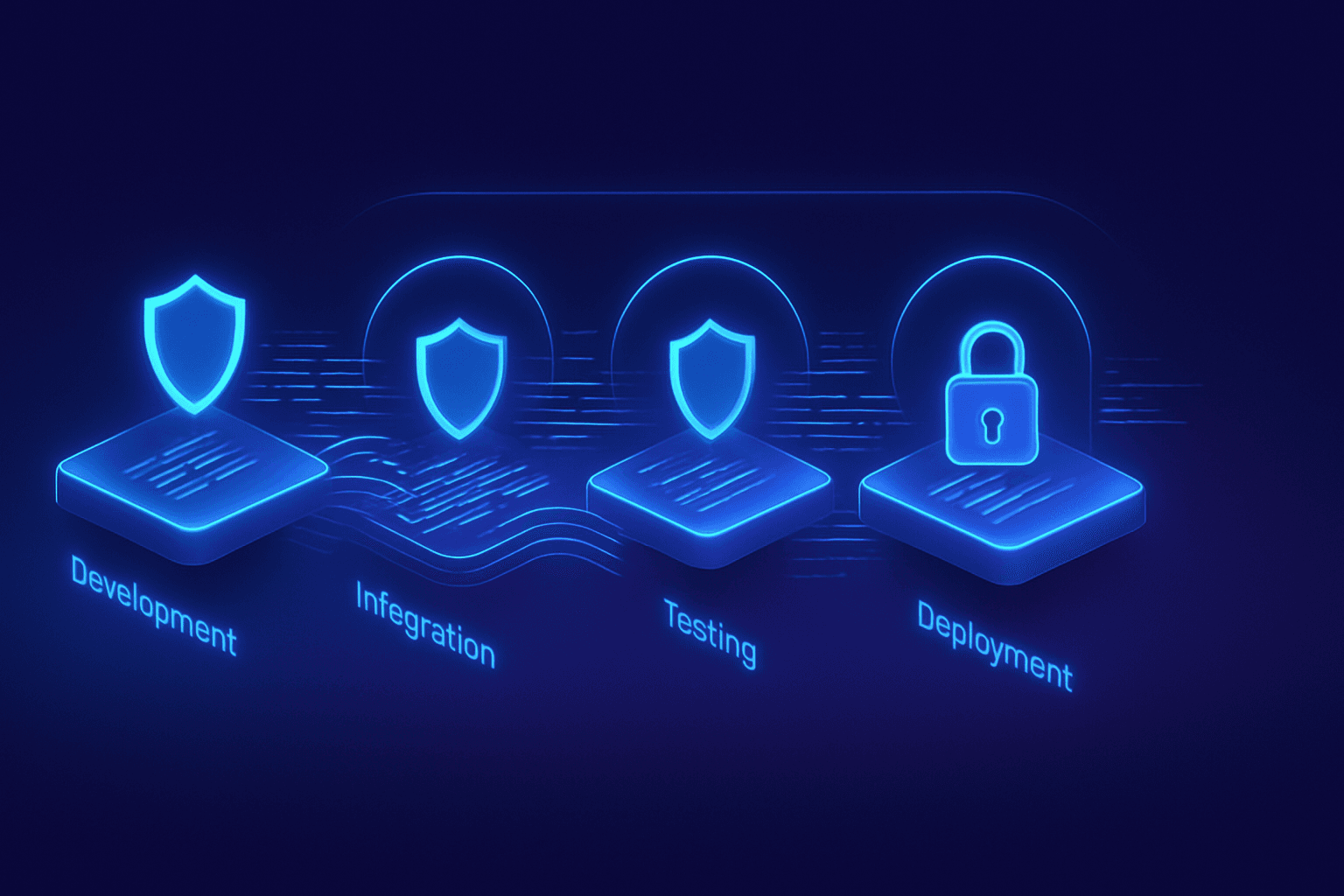
If you're building software and still treating security as a final checkpoint — that pentest scheduled a week before deployment — it's time to rethink the entire approach. DevSecOps isn't just another buzzword: it's a structural shift in how engineering teams build, test, and deliver software. The core idea is straightforward: security can't be a bottleneck at the end of the pipeline; it needs to be embedded in every stage, from the first commit to production monitoring.
I've implemented DevSecOps in three different projects over the past two years, and I can tell you the hardest part isn't technical — it's cultural. In the first project, we tried to shove SAST, DAST, and SCA all at once into the CI/CD pipeline. The result? Builds that took 45 minutes, frustrated developers ignoring alerts, and a vulnerability backlog that nobody prioritized. I learned firsthand that DevSecOps works when you adopt incrementally: start with secret scanning and pre-commit hooks, then add SAST on PRs, and only then scale to DAST and continuous monitoring. This gradual approach was what actually got the team to buy in.
What is DevSecOps and why does it exist
DevSecOps is the practice of integrating security activities, tools, and mindset directly into the DevOps process. Instead of having an isolated security team that reviews code at the end of the cycle, responsibility becomes shared across development, security, and operations. According to Wiz, this integration transforms security from an isolated function into a shared responsibility among all involved teams.
The traditional model — develop first, test later, audit security last — simply doesn't scale. With deploys happening multiple times per day in modern CI/CD pipelines, there's no time for manual security reviews on every release. DevSecOps solves this by automating security checks and incorporating them into the developer's natural workflow.
The difference between DevOps and DevSecOps
DevOps focuses on delivery speed and collaboration between dev and ops. DevSecOps adds the security dimension to that equation. In practice, this means:
- Every pull request goes through automated static security analysis (SAST)
- Dependencies are checked against known vulnerability databases (SCA)
- Infrastructure as code is validated against security policies before apply
- Staging applications undergo dynamic testing (DAST) before going to production
- Continuous monitoring detects anomalies and potential breaches in real time
The three pillars of pipeline security
A modern DevSecOps pipeline relies on three fundamental testing categories: SAST, DAST, and SCA. Each attacks the problem from a different angle, and combining all three is what provides real coverage. As AWS explains in their DevSecOps pipeline guide, integrating these open-source tools into CI/CD allows catching vulnerabilities before they reach production.
SAST — Static Application Security Testing
SAST analyzes source code without executing it. Tools like Semgrep, SonarQube, and CodeQL examine code patterns that could lead to vulnerabilities — SQL injection, XSS, insecure cryptography usage, among others. SAST's strength is that it runs early: it can be integrated as a pre-commit hook or run on every PR in CI.
The limitation is that SAST generates false positives. That's why initial configuration matters: disable rules that don't apply to your stack, adjust severities, and create a clear triage process. There's no point having 500 alerts if nobody looks at them.
DAST — Dynamic Application Security Testing
DAST tests the running application by simulating real attacks. Tools like OWASP ZAP and Burp Suite send malicious requests against endpoints and verify how the application responds. According to Checkmarx's guide on DAST in pipelines, these scans simulate real-world attacks to identify flaws like injection, misconfigurations, and logic errors.
DAST complements SAST because it finds issues that only appear at runtime — server configurations, missing security headers, CORS problems, and vulnerabilities that depend on application state.
SCA — Software Composition Analysis
SCA scans your dependencies — those npm packages, gems, or crates you import — against known vulnerability databases like the NVD and GitHub Advisory Database. Tools like Dependabot, Snyk, and Trivy automate this.
Considering that most modern applications have 80% or more of their code coming from external dependencies, SCA is not optional. A single vulnerable dependency can compromise the entire application, as was evident in the Log4Shell incident in 2021.
| Test Type | What it analyzes | When it runs | Popular tools |
|---|---|---|---|
| SAST | Source code | Pre-commit / CI on PRs | Semgrep, CodeQL, SonarQube |
| DAST | Running application | Staging / pre-deploy | OWASP ZAP, Burp Suite, Nuclei |
| SCA | Dependencies | CI on every build | Snyk, Trivy, Dependabot |
| IaC Scan | Infrastructure as code | CI on infra PRs | Checkov, tfsec, KICS |
| Secret Scan | Secrets in code | Pre-commit / CI | GitLeaks, TruffleHog |
How to implement DevSecOps step by step
Implementation needs to be gradual. Trying to do everything at once is a recipe for failure. According to Practical DevSecOps, the highest-impact practices in order of implementation effort start with pre-commit hooks for secrets and basic linting — something that takes about an hour to set up — followed by SAST and SCA in CI on every PR, which can be implemented in one day and already catches the majority of common vulnerabilities.
Phase 1 — Secret scanning and pre-commit hooks (Week 1)
The first step is preventing secrets — API keys, tokens, passwords — from reaching the repository. Set up GitLeaks or TruffleHog as a pre-commit hook. This literally takes one hour and already prevents one of the most common classes of security incidents.
In your .pre-commit-config.yaml, add:
repos:
  - repo: https://github.com/gitleaks/gitleaks
    rev: v8.18.0
    hooks:
      - id: gitleaks
Additionally, enable GitHub Secret Scanning if you're on GitHub — it's free for public repositories and automatically detects tokens from known providers.
Phase 2 — SAST and SCA in CI (Weeks 2-3)
Add Semgrep for static analysis and Trivy or Snyk for dependency analysis to your CI pipeline. The goal is that every PR receives security feedback automatically, the same way it receives test and lint feedback.
Configure tools to block PRs only on high or critical severity vulnerabilities. Medium and low severity alerts should generate notifications, not blocks — otherwise, the team will start ignoring all alerts.
Phase 3 — DAST in staging (Weeks 4-6)
With the basics running, add dynamic testing to the staging environment. Configure OWASP ZAP to run a baseline scan against your application after each staging deploy. This will find configuration issues, missing headers, and vulnerabilities that only appear with the application running.
Phase 4 — IaC scanning and continuous monitoring (Month 2+)
If you use Terraform, CloudFormation, or Kubernetes manifests, add Checkov or tfsec to validate infrastructure configurations before apply. This prevents misconfigurations like public S3 buckets, open security groups, or IAM roles with excessive permissions.
For production monitoring, implement runtime security with tools like Falco for containers or AWS GuardDuty for AWS workloads. The goal is detecting anomalous behaviors that indicate compromise.
Shift-left doesn't mean abandoning shift-right
There's a lot of talk about "shift-left" — moving security earlier in the cycle. But this doesn't mean you can ignore what happens after deployment. A mature DevSecOps pipeline operates in both directions, as the DevSecOps Roadmap details.
Shift-left handles prevention: stopping vulnerable code from reaching production. Shift-right handles detection and response: identifying and reacting to threats in real time. The two are complementary, not substitutes.
In practice, shift-right includes:
- Log monitoring with event correlation (SIEM)
- Anomaly alerts based on behavior (not just static rules)
- Automated incident response — runbooks that isolate compromised resources
- Periodic pen testing by specialized teams, beyond the automations
Culture and ownership: the human factor of DevSecOps
Tools are necessary but insufficient. The cultural aspect is what differentiates a DevSecOps implementation that works from one that becomes shelfware. The key is distributed ownership: each development team is responsible for the security of what they build.
This requires investment in training. Developers need to understand the vulnerabilities that tools detect — it's not enough to say "fix this alert." Hands-on training, internal CTFs, and threat modeling sessions are effective ways to build this competency.
Another critical point is alert governance. Define clear SLAs: critical vulnerabilities must be fixed within 24 hours, high within a week, medium within the sprint. Without SLAs, the security backlog grows until it becomes irrelevant.
Security Champions: the model that works
A practice that has proven effective is the Security Champions model: one developer in each squad who receives additional security training and serves as a focal point. This person isn't a security engineer — they're a developer who understands security enough to triage alerts, propose fixes, and escalate when necessary.
The Security Champion reduces dependency on the central security team and accelerates the fix cycle, because the person who knows the code is the one solving the problem.
Metrics that matter in DevSecOps
You can't improve what you don't measure. The essential metrics for tracking your DevSecOps program maturity include:
- MTTD (Mean Time to Detect): how long between a vulnerability being introduced and its detection
- MTTR (Mean Time to Remediate): how long between detection and the fix
- Escape rate: percentage of vulnerabilities that reach production without being detected in the pipeline
- Scanning coverage: percentage of repositories and applications covered by SAST, SCA, and DAST
- False positives: rate of alerts that don't represent real risk — an indicator of configuration quality
Track these metrics on dashboards visible to all of engineering. Transparency generates accountability.
Common mistakes when adopting DevSecOps
After observing multiple implementations, these are the mistakes I've seen repeated most often:
- Enabling all rules at once: generates hundreds of alerts, the team ignores all of them. Start with high severity rules and expand gradually.
- No clear ownership: if "security is everyone's responsibility" without defined processes, it ends up being nobody's responsibility.
- Ignoring developer experience: if the security pipeline adds 30 minutes to the build, devs will work around it. Optimize so scans run in parallel and feedback is fast.
- Focusing only on tools: buying Snyk Enterprise won't help if nobody looks at the alerts or knows what to do with them.
- Not measuring progress: without metrics, you don't know if you're improving or just adding complexity to the pipeline.
Conclusion
DevSecOps isn't a product you buy or a tool you install — it's a way of working that places security as an integral part of development, not an obstacle at the end. Effective implementation requires a gradual approach: start with secret scanning and basic SAST, prove value with concrete metrics, and expand incrementally. The most underestimated factor is culture: without distributed ownership, continuous training, and clear SLAs, even the best tools become shelfware. If you want to start today, install GitLeaks as a pre-commit hook in your main repository — it takes one hour and already prevents one of the most critical incident classes. From there, each additional security layer becomes easier to justify and implement.
